
We have all been there. You write the code, the unit tests pass, and the staging environment looks pristine. You deploy to production with confidence. Then, a ticket arrives from a user, or worse, an ops manager: “I’m standing at the location the app gave me, and there is nothing here but a cornfield.”
I encountered this exact scenario recently while working on a legacy locator service. The application logic seemed sound: take the user’s location, query the database for the nearest records, and display them on a map. Yet, in specific edge cases, our “nearest” recommendation was miles off-target.
The culprit wasn’t a complex algorithmic failure or a server timeout. It was a subtle, silent data quality issue: Float Precision.
We often treat latitude and longitude as just another set of floating-point numbers, truncating them to save storage or simplify visual presentation. But in the physical world, dropping a decimal place isn’t just a rounding error; it is the difference between walking to the store and driving to the next town.
In this post, I will share how we diagnosed a massive coordinate margin of error in our dataset, ranging from ~0.68 miles to ~60 miles, and the implications behind that.
The Math: When 0.1 Equals 6.9 Miles
As engineers, we love optimization. We look at a coordinate like 41.88203 and think, “Do I really need those last three digits? 41.8 looks cleaner.” If you are plotting points on a static, zoomed-out map of the world, that might be fine. But if you are directing a user to a critical service location, that truncation is dangerous.
To understand the scale of the problem, we have to put on our Geophysical Engineering hats for a moment: The Earth is roughly a sphere, and we measure positions in degrees.
Here is the breakdown of what those decimal places actually represent on the ground:
- 1.0 degree of latitude is approximately 69 miles (111 km).
- 0.1 degrees is approximately 6.9 miles (11 km).
- 0.01 degrees brings us down to 0.68 miles (1.1 km).
When we audited our dataset, we realized we had records stored with only one or two decimal places. If your database truncates a coordinate to 0.1 precision, your point of interest has a margin of error of nearly 7 miles. You aren’t pointing to a building anymore; you are barely pointing to a specific zip code.
For a deeper dive into the geodesy behind this, QGIS offers excellent resources on Coordinate Reference Systems. Understanding these fundamentals is crucial when your application relies on geospatial queries.
Example: The Phantom Location
Let’s look at a concrete example. We encountered a record in our database with the coordinates 41.8 latitude and -72.83 longitude.
At first glance, this looks like valid data. But let’s apply the math we just reviewed.
With a latitude of 41.8, the precision is limited to the first decimal place. This introduces a potential margin of error of roughly 69 miles in latitude. Even with the slightly more precise longitude, the error margin is still around 6.9 miles.
In this specific case, this ambiguity creates a critical operational failure. If our app recommends this location, the user would arrive at the coordinates only to find… nothing.
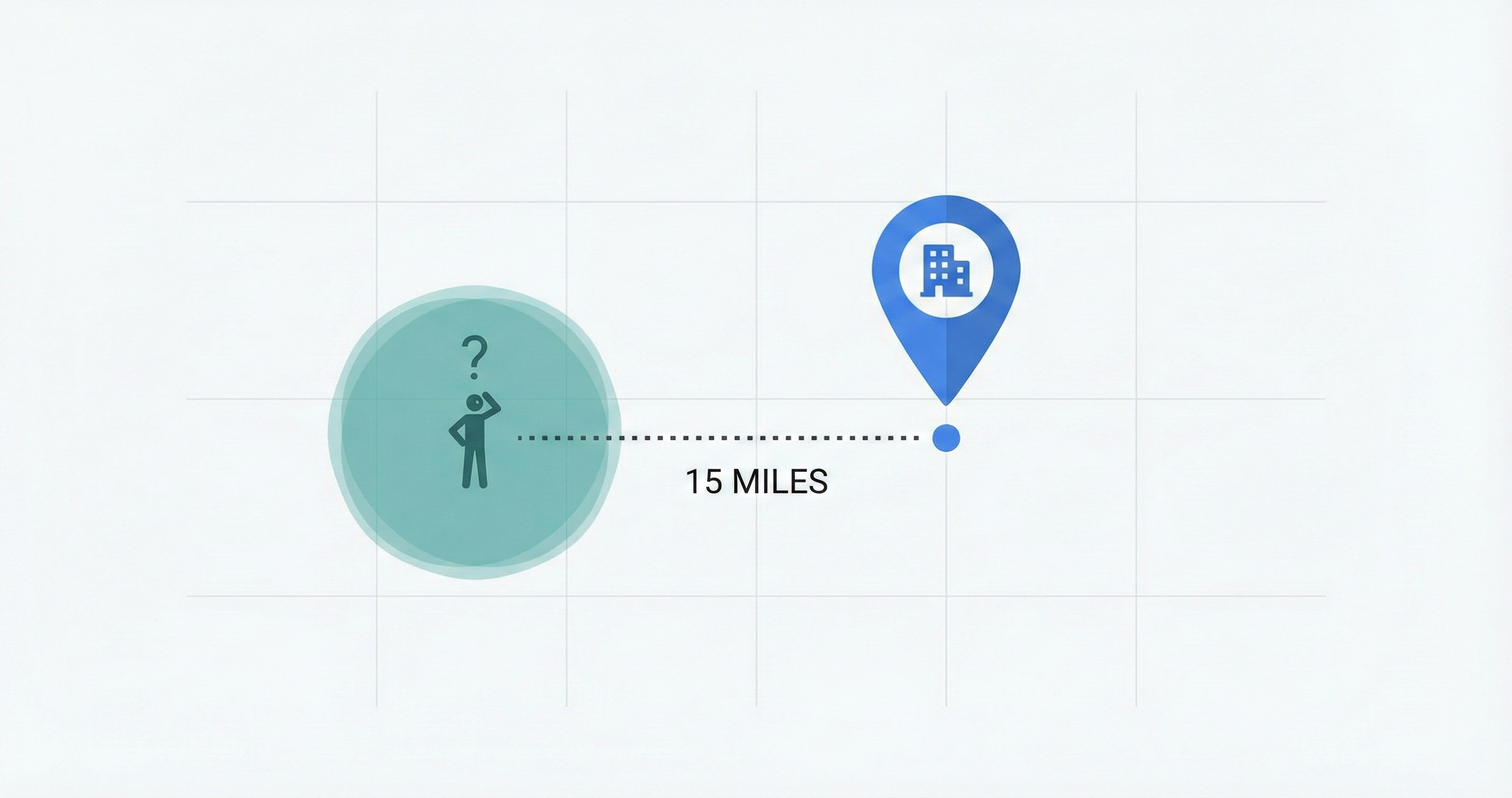
The actual point of interest is located approximately 15 miles away from the coordinates stored in our database. Because the database record is imprecise, the user is directed to a completely incorrect location.
Precision vs. Accuracy: A Database Dilemma
This investigation highlighted a classic data distinction that is often overlooked: Precision vs. Accuracy.
- Precision is how many decimal places you store (e.g.,
41.12345is precise). - Accuracy is how close that coordinate is to the physical front door of the building.
You can have high precision (41.0000000) that is completely inaccurate (wrong location). In our case, we had low precision, which guaranteed low accuracy.
Closing thoughts
Coordinate precision isn’t just a math problem; it’s a user experience problem. By respecting the decimals, you stop sending users to the wrong towns.
Have you ever dealt with a “15-mile mistake” in your data? Or perhaps a date-formatting error that brought down a service? Drop a comment below with your horror stories.
Don’t be afraid to dig into your legacy data, you might find some interesting “optimizations” waiting to be fixed.